

In this video, admin users will learn how to invite and onboard new users to their organization and projects.
Transcript
00:00 Hi there! Today, I will be showing you how to add and onboard users on DeepWalk.
00:05 Starting from an Admin User account, you will need to invite the new user to your organization. To do so, you navigate to the manage members button in the top right and the invitation form appears in the dropdown. Add the email of the new user, and set their permissions to either Admin or User. Send the invite, and the new user will receive it in their email inbox.
00:30 To accept an invite, go to the inbox of the added user. They will have an invitation email from noreply@deepwalkresearch.com. They will click the link to sign up or log in to their account. Review the invitation pop-up and press accept to be added to the organization. Before gaining access to the projects, an Admin of the organization must invite the user.
00:50 Now, I am logging back into the Admin account. In here, I am able to add users to projects. To add users, click on the project without pressing the open project button. There will be two tabs. One for current members of the project, and one for members of your organization who are not in the project. Go to the members not in project tab and select the desired user email to add. Here, you are able to make them an admin or a scanner on the project.
01:19 Now I am logged into the new user account. In here, you will see they have access to the specific project assigned. Thanks for listening, and don’t hesitate to reach out to support@deepwalkresearch.com for additional assistance.
Map the current sidewalk mileage in your city, town, neighborhood, or custom area. Our new mileage tool pulls accurate sidewalk information, allowing you to plan efficiently, budget effectively, and determine the amount of data collectors for your project. The data is sourced from OpenStreetMap, a free, collaborative mapping platform built and maintained by contributors worldwide.
Get A Free Mileage Estimate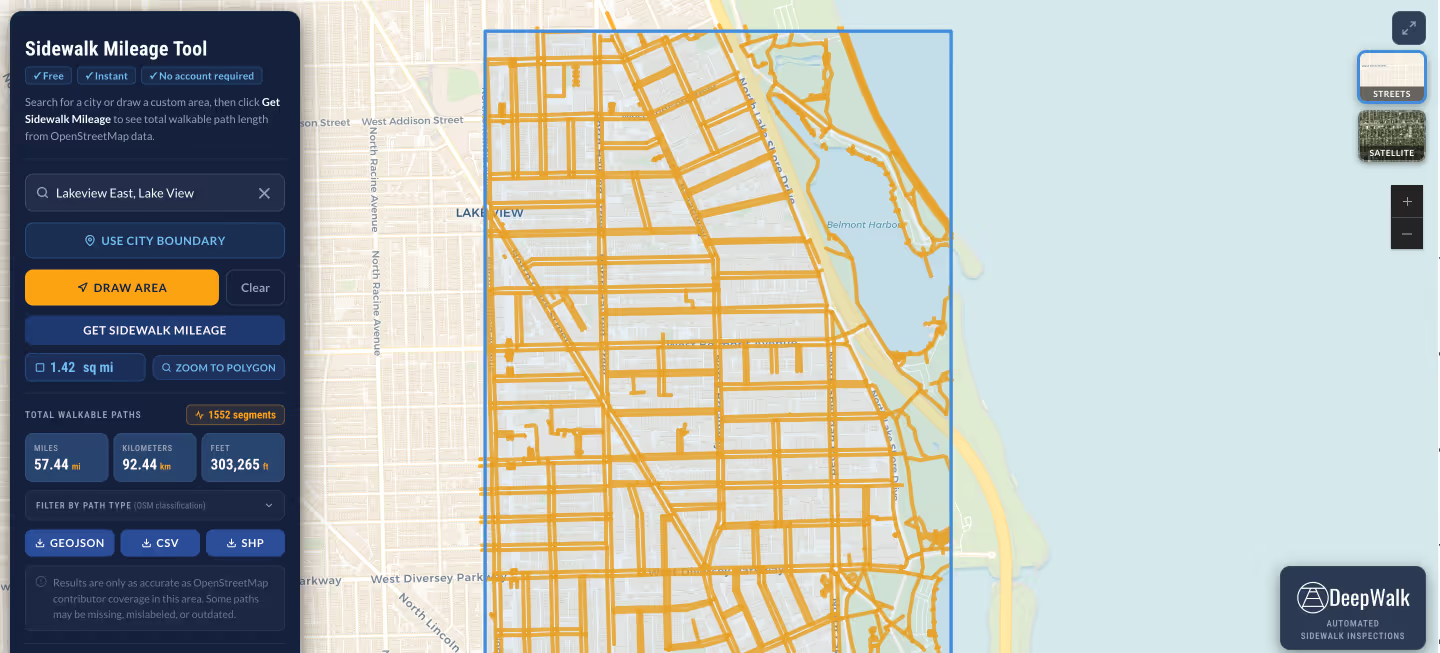
.avif)
DeepWalk is the sidewalk inspection solution trusted by 120+ municipalities and consultants nationwide.
© 2026 DeepWalk Research, Inc.
All rights reserved.